
IRS Forms Checklist for Small Business Owners: Your Stress-Free Guide
Ditch the overwhelm! This simple checklist breaks down exactly what IRS forms you need and how to file them, so you can get back to running your business.
In this guide:
Step 1: Nail Down Your Business Structure & Form 8832
Your business structure directly impacts your tax liability and filing requirements. Sole proprietors report business income on Schedule C with their personal returns, while partnerships submit Form 1065 for pass-through taxation. Corporations face different requirements: S corporations file Form 1120-S, and C corporations use Form 1120.
Many small business owners don’t realize they can optimize their tax position by filing Form 8832 to elect their tax classification. This “check-the-box” election lets eligible businesses be taxed as an S corporation, potentially reducing self-employment taxes while maintaining operational flexibility. This structure can significantly impact your working capital and ability to reinvest in growth.
Key filing requirements by structure:
Step 2: Master the All-Important Form W-9
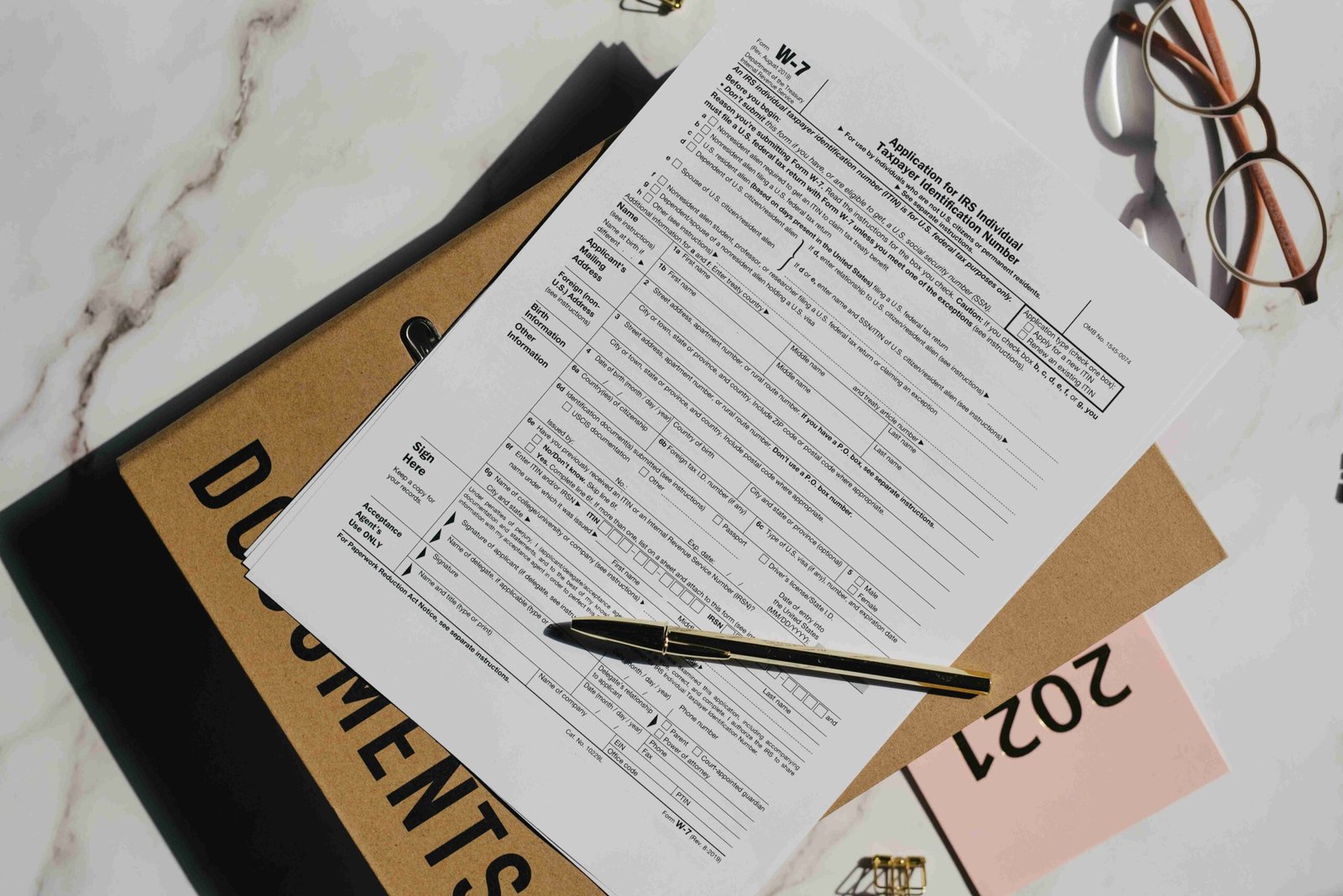
The Form W-9 serves as your first line of defense in contractor tax compliance. This essential document collects Tax Identification Numbers (TINs) and other crucial information from your independent contractors, setting you up for accurate 1099-NEC reporting when tax season arrives.
Smart business owners collect W-9s before making any payments to new contractors. This practice ensures you have accurate information for your tax liability reporting and helps maintain strong fiscal responsibility. Remember: if you pay any contractor $600 or more in a calendar year, you’ll need their W-9 information to properly file their 1099-NEC.
Key W-9 collection best practices:
Step 3: Conquer 1099s: Reporting Payments to Contractors
Small business owners must issue Form 1099-NEC to any independent contractor paid $600 or more during the tax year. This includes payments for services, professional fees, and contract work. The Form 1099-MISC covers other payments like rent or royalties that meet the same threshold.
January 31st is your critical deadline – both for sending copies to contractors and filing with the IRS. Missing this deadline can trigger penalties, so mark your calendar. Maintaining accurate records throughout the year is essential for smooth tax compliance. Modern accounting software automatically tracks contractor payments and flags when someone crosses the $600 threshold, dramatically reducing your administrative burden.
Step 4: Don’t Sweat Sales Tax: Filing Form ST
Understanding your sales tax obligations is crucial for maintaining fiscal responsibility and avoiding costly penalties. While the IRS handles federal taxes, sales tax is governed at the state and local levels, making compliance a bit more complex for businesses operating across multiple jurisdictions.
Your first step is determining where you have sales tax nexus – the connection between your business and a tax jurisdiction that creates an obligation to collect and remit sales tax. Most states require monthly or quarterly filing of Form ST, though exact names and deadlines vary by location. Key responsibilities include:
Step 5: Payroll Tax Forms: W-2, 941, and State Filings
Managing payroll taxes requires careful attention to three essential filings. The Form W-2 must be prepared annually for each employee, documenting their wages and withheld taxes. Your quarterly Form 941 reports federal income tax withheld and both employee and employer portions of Social Security and Medicare taxes. Don’t overlook state-specific requirements, which vary by location but typically include unemployment insurance and state income tax withholding reports.
Timing is critical for maintaining tax compliance. W-2s must reach employees by January 31, while Form 941 is due by the last day of the month following each quarter. Late submissions can trigger substantial penalties, often starting at 5% of the unpaid tax amount per month.
Frequently Asked Questions
What happens if I miss a deadline for filing IRS forms?
Missing deadlines can result in penalties and interest charges. The IRS offers penalty relief in certain situations, but it’s always best to file on time. If you’re struggling, consider working with a professional.
Where can I find the most up-to-date versions of IRS forms?
You can download all IRS forms and instructions directly from the IRS website (irs.gov). Always ensure you’re using the latest version.
Can accounting software help me manage IRS forms?
Yes! Accounting software like QuickBooks or Xero can automate many aspects of form preparation and filing, reducing errors and saving you time. We are experts in cloud integration – we can help streamline this process.